# Files
Browse files available on the active hosted machine and open them for agent work.
The **Files** page shows files available on the active hosted machine. Use **Files** when you want to inspect your agent's hosted environment's files you've created through chats.
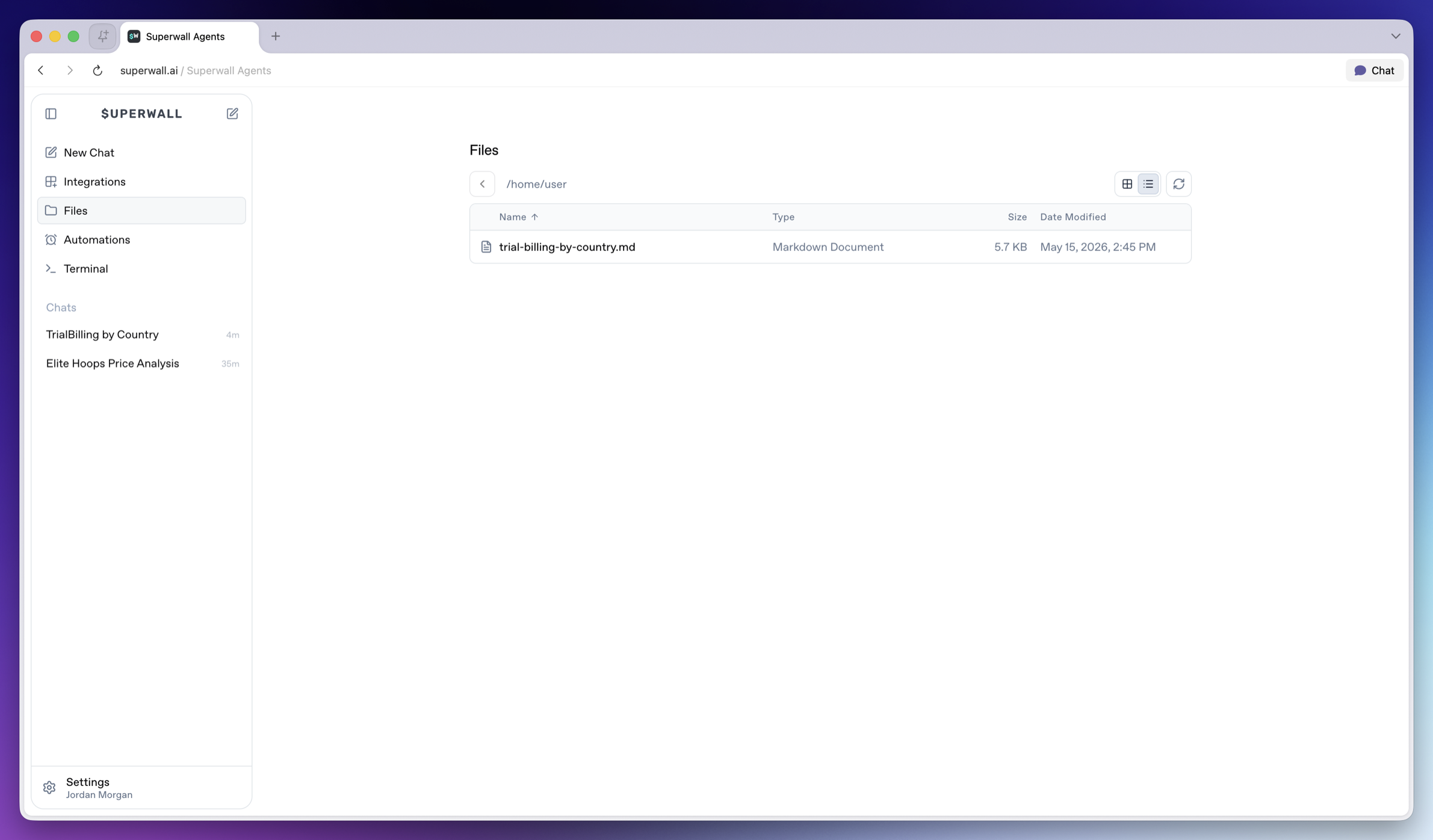 All files created are listed, and can be opened in-place. The navigator includes options to refresh all files, and in some cases — files will have their own folder and directory. You can navigate through each of them here.
Previews [#previews]
File previews use the same attachment preview system as chat. Images, videos, text, markdown, PDFs, JSON, code, and common tabular files can be inspected from the UI when the hosted machine can serve them.
All files created are listed, and can be opened in-place. The navigator includes options to refresh all files, and in some cases — files will have their own folder and directory. You can navigate through each of them here.
Previews [#previews]
File previews use the same attachment preview system as chat. Images, videos, text, markdown, PDFs, JSON, code, and common tabular files can be inspected from the UI when the hosted machine can serve them.
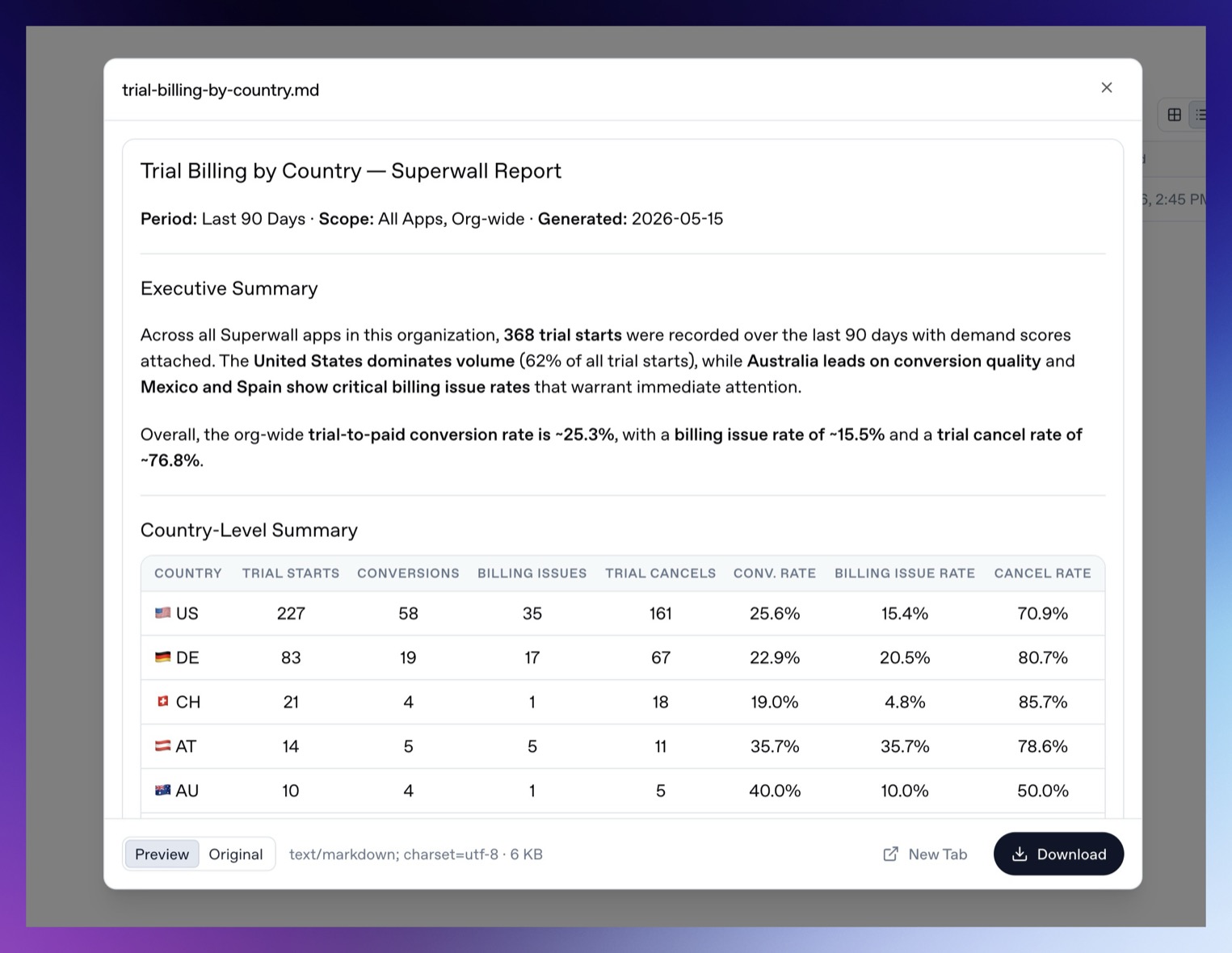 If a file cannot be previewed inline, Superwall Agents opens it in a new tab. In the preview, you can download the file or view the raw source response that generated it.
> **Warning**
Treat Files as a hosted machine file browser. Do not place secrets in files you ask the agent to inspect unless the agent truly needs them. Prefer [Settings -> Environment](/docs/agents/settings#environment) for secret values.
If a file cannot be previewed inline, Superwall Agents opens it in a new tab. In the preview, you can download the file or view the raw source response that generated it.
> **Warning**
Treat Files as a hosted machine file browser. Do not place secrets in files you ask the agent to inspect unless the agent truly needs them. Prefer [Settings -> Environment](/docs/agents/settings#environment) for secret values.